> For the complete documentation index, see [llms.txt](https://docs.candelacharts.com/llms.txt). Markdown versions of documentation pages are available by appending `.md` to page URLs; this page is available as [Markdown](https://docs.candelacharts.com/models/fractal-range-model-tm/filters.md).
# Filters
Fractal Range Model Filters
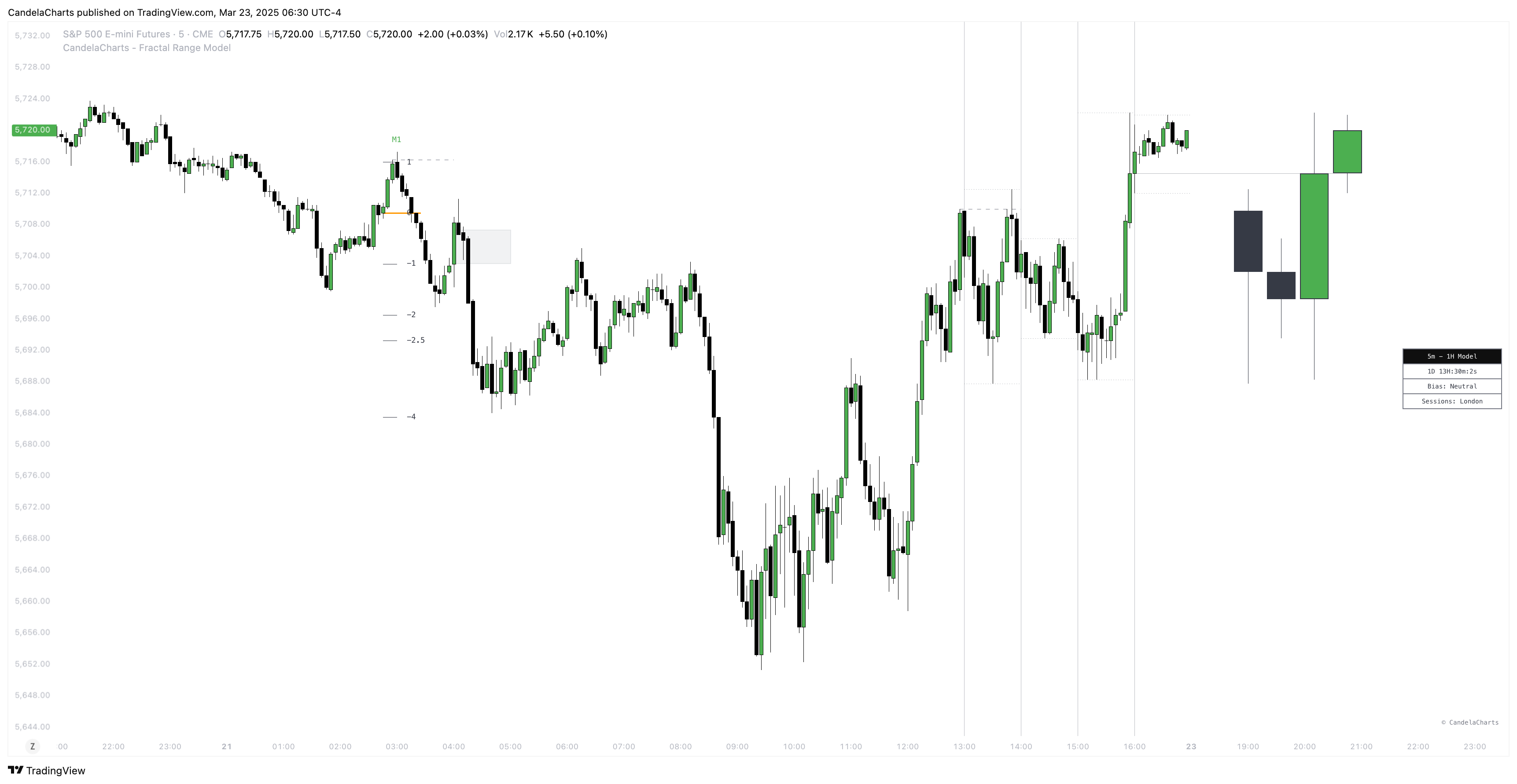
The **Fractal Range Model** offers a powerful set of time-based filters that allow users to focus exclusively on market patterns that occur during specific times of the day.
These filters enable traders to tailor their analysis to particular trading sessions, ensuring that the data they view is relevant to their preferred trading hours.
## Filters
### **Asia Session**
(20:00 – 00:00 UTC) Focuses on market activity during the Asian trading hours, particularly driven by the Tokyo session. This period is crucial for traders interested in the early momentum of the forex market.
### **London Session**
(02:00 – 05:00 UTC) Captures the early phase of the London session, which is one of the most active and volatile periods in the global markets. Many forex pairs experience significant price movements during this time.
### **New York AM Session**
(09:30 – 11:00 UTC) This filter isolates the first part of the New York trading session, when U.S. markets open and the market often sees heightened activity, particularly around major economic data releases.
### **New York Lunch Session**
(12:00 – 13:00 UTC) During the U.S. lunch break, volatility often decreases, and market activity tends to slow. This session filter can be useful for observing the more subdued market conditions that occur after the initial morning rush.
### **New York PM Session**
(13:30 – 16:00 UTC) Targets the latter part of the New York session, which is often marked by the release of important U.S. economic data and market reactions as the trading day begins to close.
### **Custom Session**
(User-defined) Offers flexibility to the user, enabling them to define any time window that best fits their unique trading strategy or time zone preferences. Whether it's a specific hour, day, or market event, this filter adapts to personalized needs.
These time filters provide traders with enhanced control over their analysis, enabling them to isolate specific market behaviors tied to certain time frames.
Whether you're focusing on major global trading sessions or defining your own custom intervals, the Fractal Range Model ensures that your analysis is both precise and aligned with your trading objectives.
---
# Agent Instructions
This documentation is published with GitBook. GitBook is the documentation platform designed so that both humans and AI agents can read, navigate, and reason over technical content effectively. Learn more at gitbook.com.
## Querying This Documentation
If you need additional information that is not directly available in this page, you can query the documentation by asking a question.
Perform an HTTP GET request on the following URL with the `ask` and `goal` query parameters:
```
GET https://docs.candelacharts.com/models/fractal-range-model-tm/filters.md?ask=&goal=
```
`ask` is the immediate question: it should be specific, self-contained, and written in natural language.
`goal` is what the user is ultimately trying to achieve, the reason they need the answer. Sharing it helps GitBook give you a better, more relevant answer. A goal is most helpful when it describes the outcome the user wants rather than restating the question. For example, with `ask=how do I create an API token`, a goal like `automate deployments from our CI pipeline` lets GitBook tailor the answer to that use case.
The response will contain a direct answer to the question and relevant excerpts and sources from the documentation.
Use this mechanism when the answer is not explicitly present in the current page, you need clarification or additional context, or you want to retrieve related documentation sections.