> For the complete documentation index, see [llms.txt](https://docs.candelacharts.com/llms.txt). Markdown versions of documentation pages are available by appending `.md` to page URLs; this page is available as [Markdown](https://docs.candelacharts.com/statistics/ohlc-volatility-range-map-tm/themes.md).
# Themes
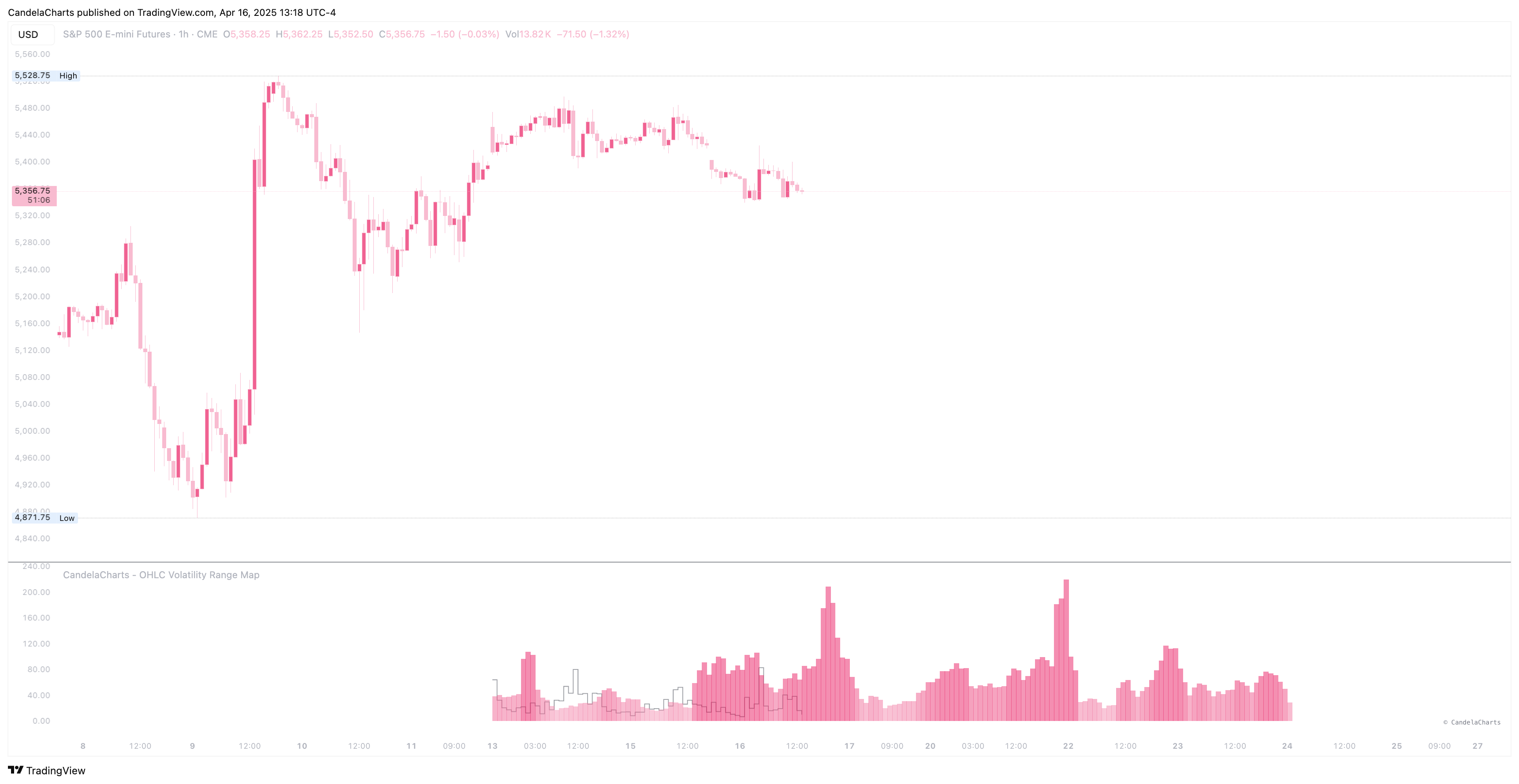
OHLC Volatility Range Map Themes
The OHLC Volatility Range Map offers a variety of thematic visualizations designed to enhance the user experience and cater to different preferences. These themes include:
1. **Default** – The standard theme, providing a balanced and neutral presentation of data.
2. **Blue** – A calming and cool-toned theme that highlights data with shades of blue.
3. **Green** – A fresh and vibrant theme, ideal for showcasing data with green hues.
4. **Indigo** – A sophisticated theme featuring deep indigo tones for a more refined look.
5. **Purple** – A rich, luxurious theme utilizing various purple shades to provide a striking visual.
6. **Pink** – A playful and soft theme with varying shades of pink for a warm touch.
7. **Orange** – A dynamic and energetic theme featuring bright orange tones for a bold presentation.
8. **Red** – A fiery and attention-grabbing theme, perfect for emphasizing critical data points with red hues.
9. **Gray** – A sleek and minimalist theme using shades of gray for a professional, neutral aesthetic.
10. **Cyan** – A refreshing and bright theme incorporating cyan tones for a vibrant display.
11. **Teal** – A serene and modern theme blending teal shades to offer a peaceful yet engaging visual experience.
12. **Brown** – A warm, earthy theme that uses shades of brown for a grounded and natural look.
13. **Custom** – A fully customizable theme, allowing users to personalize their color scheme and design according to their specific needs and preferences.
These diverse themes cater to a wide range of visual styles, enabling users to choose the one that best suits their analytical or aesthetic needs.
---
# Agent Instructions
This documentation is published with GitBook. GitBook is the documentation platform designed so that both humans and AI agents can read, navigate, and reason over technical content effectively. Learn more at gitbook.com.
## Querying This Documentation
If you need additional information that is not directly available in this page, you can query the documentation dynamically by asking a question.
Perform an HTTP GET request on the current page URL with the `ask` query parameter, and the optional `goal` query parameter:
```
GET https://docs.candelacharts.com/statistics/ohlc-volatility-range-map-tm/themes.md?ask=&goal=
```
`ask` is the immediate question: it should be specific, self-contained, and written in natural language.
`goal` is optional and describes the broader end goal you are ultimately trying to accomplish on behalf of the user. GitBook uses it to tailor the answer towards what is most useful for that goal.
The response will contain a direct answer to the question and relevant excerpts and sources from the documentation.
Use this mechanism when the answer is not explicitly present in the current page, you need clarification or additional context, or you want to retrieve related documentation sections.