> For the complete documentation index, see [llms.txt](https://docs.candelacharts.com/llms.txt). Markdown versions of documentation pages are available by appending `.md` to page URLs; this page is available as [Markdown](https://docs.candelacharts.com/models/unicorn-model-tm/filters.md).

# Filters

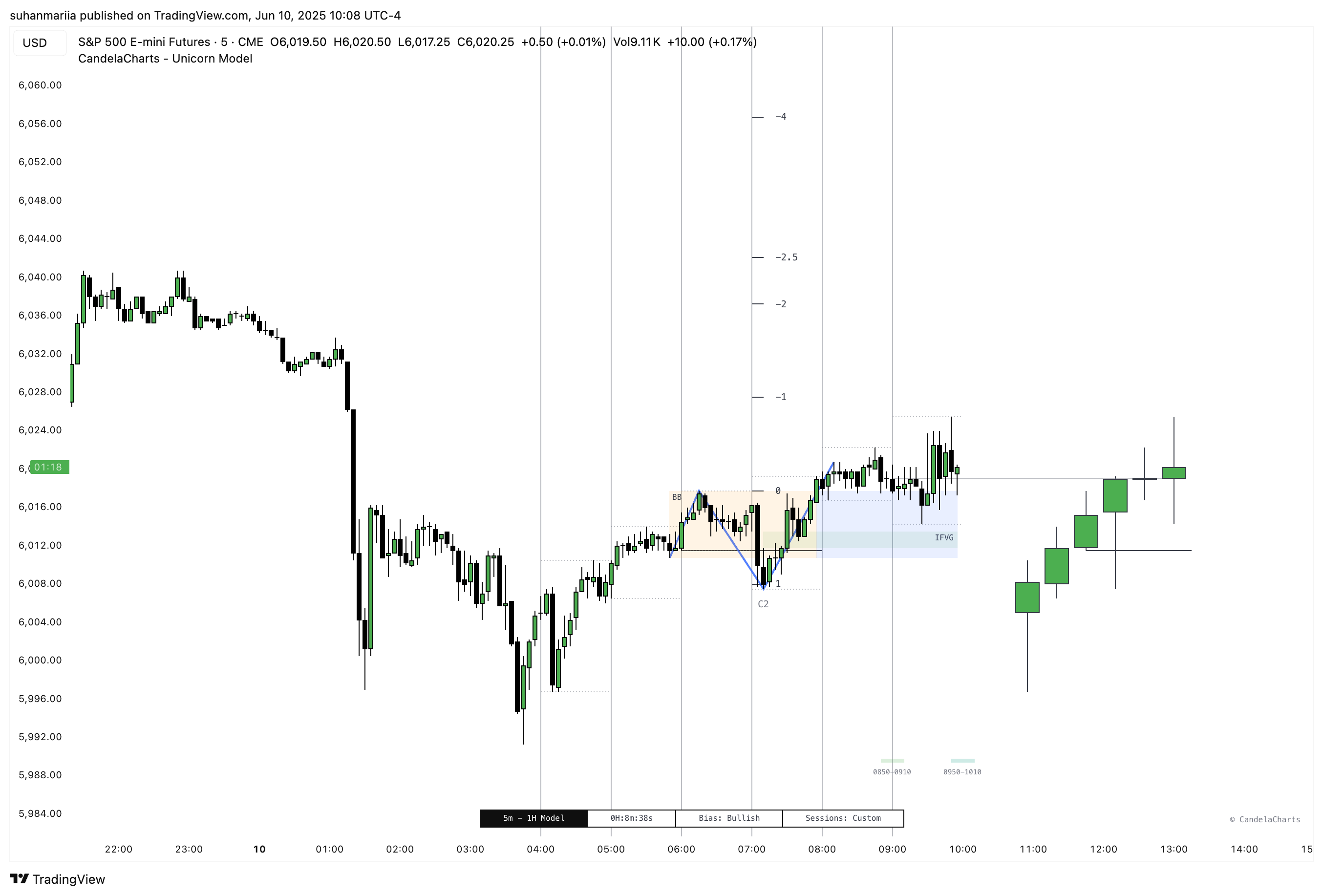
The Unicorn Model allows traders to filter potential trade setups by specific **Killzones**, such as Asia, London, NY AM, NY Launch, and NY PM.

<figure><img src="/files/qyHSzbNpSve7bdex8Gq6" alt=""><figcaption></figcaption></figure>

These Killzones represent high-activity periods where institutional algorithms are most active, and where liquidity and volatility tend to concentrate—offering a clearer context for high-probability trade setups.

<table><thead><tr><th width="224.4140625"></th><th></th></tr></thead><tbody><tr><td>Asia (20:00 - 00:00)</td><td>Marks the start of the trading day with moderate volatility. Often sets up liquidity levels that later sessions may target.</td></tr><tr><td>London (02:00 - 05:00)</td><td>High-volume session as major European markets open. Often establishes the day’s directional bias with strong institutional activity.</td></tr><tr><td>NY AM (09:30 - 11:00)</td><td>U.S. equity market open. A key window for volatility spikes and liquidity grabs, making it ideal for Turtle Soup reversals.</td></tr><tr><td>NY Launch (12:00 - 13:00)</td><td>Midday session where markets often pause or reverse. Useful for identifying continuation or reversal patterns.</td></tr><tr><td>NY PM (13:30 - 16:00)</td><td>Final hours of the U.S. session. Often sees profit-taking and closing moves, creating opportunities for late-day setups.</td></tr></tbody></table>

The model also supports **custom time range filters**, enabling users to tailor the analysis to their unique trading hours or market conditions. This flexibility enhances the model’s adaptability, ensuring traders stay focused on the sessions that align with their strategy and improve execution precision.


---

# Agent Instructions
This documentation is published with GitBook. GitBook is the documentation platform designed so that both humans and AI agents can read, navigate, and reason over technical content effectively. Learn more at gitbook.com.

## Querying This Documentation
If you need additional information that is not directly available in this page, you can query the documentation dynamically by asking a question.

Perform an HTTP GET request on the current page URL with the `ask` query parameter, and the optional `goal` query parameter:

```
GET https://docs.candelacharts.com/models/unicorn-model-tm/filters.md?ask=<question>&goal=<endgoal>
```

`ask` is the immediate question: it should be specific, self-contained, and written in natural language.
`goal` is optional and describes the broader end goal you are ultimately trying to accomplish on behalf of the user. GitBook uses it to tailor the answer towards what is most useful for that goal.

The response will contain a direct answer to the question and relevant excerpts and sources from the documentation.

Use this mechanism when the answer is not explicitly present in the current page, you need clarification or additional context, or you want to retrieve related documentation sections.